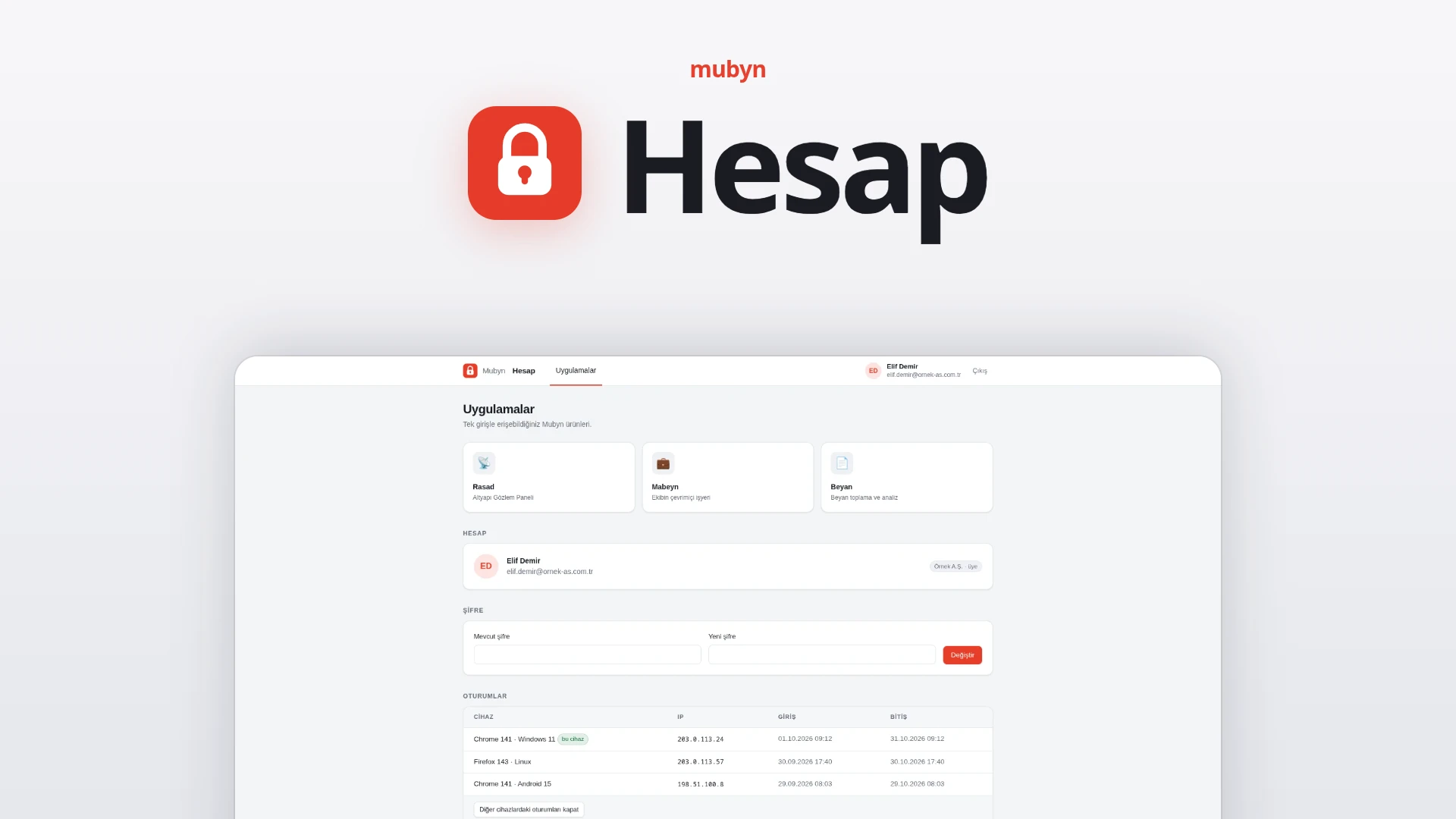
Sign in once. You are not asked for a password when moving between Rasad, Mabeyn and Beyan.
Mubyn Hesap (Mubyn Account) is the identity layer of the Mubyn family: one account, one profile, one sign-in. Employees move between products without typing a password; the organization's IT administrator manages employees and product access in one place. It works with standard OpenID Connect and can be installed on the organization's own server.
Open an account All products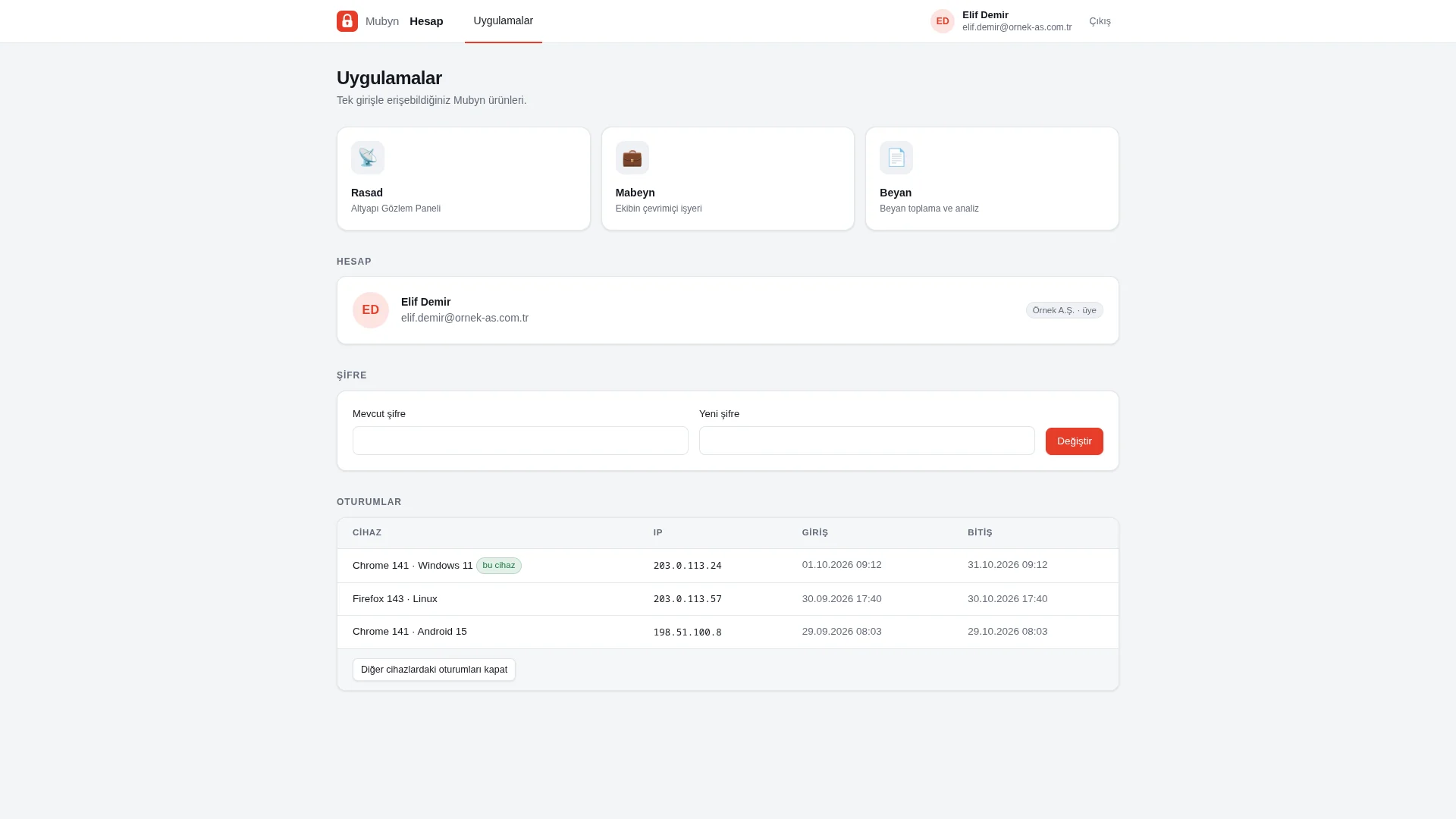
At a glance
For users
One account: you sign in to Rasad, Mabeyn and Beyan with the same email and password. Your session stays open for 30 days and you are not asked for a password when switching products. When your profile changes in one product, it changes in every product.
For the organization's IT administrator
Manage employees and product access from one place. A corporate account belongs to a company; employees sign in to whichever Mubyn products your company owns. It comes with standard OIDC and can run on your own server.
How it works
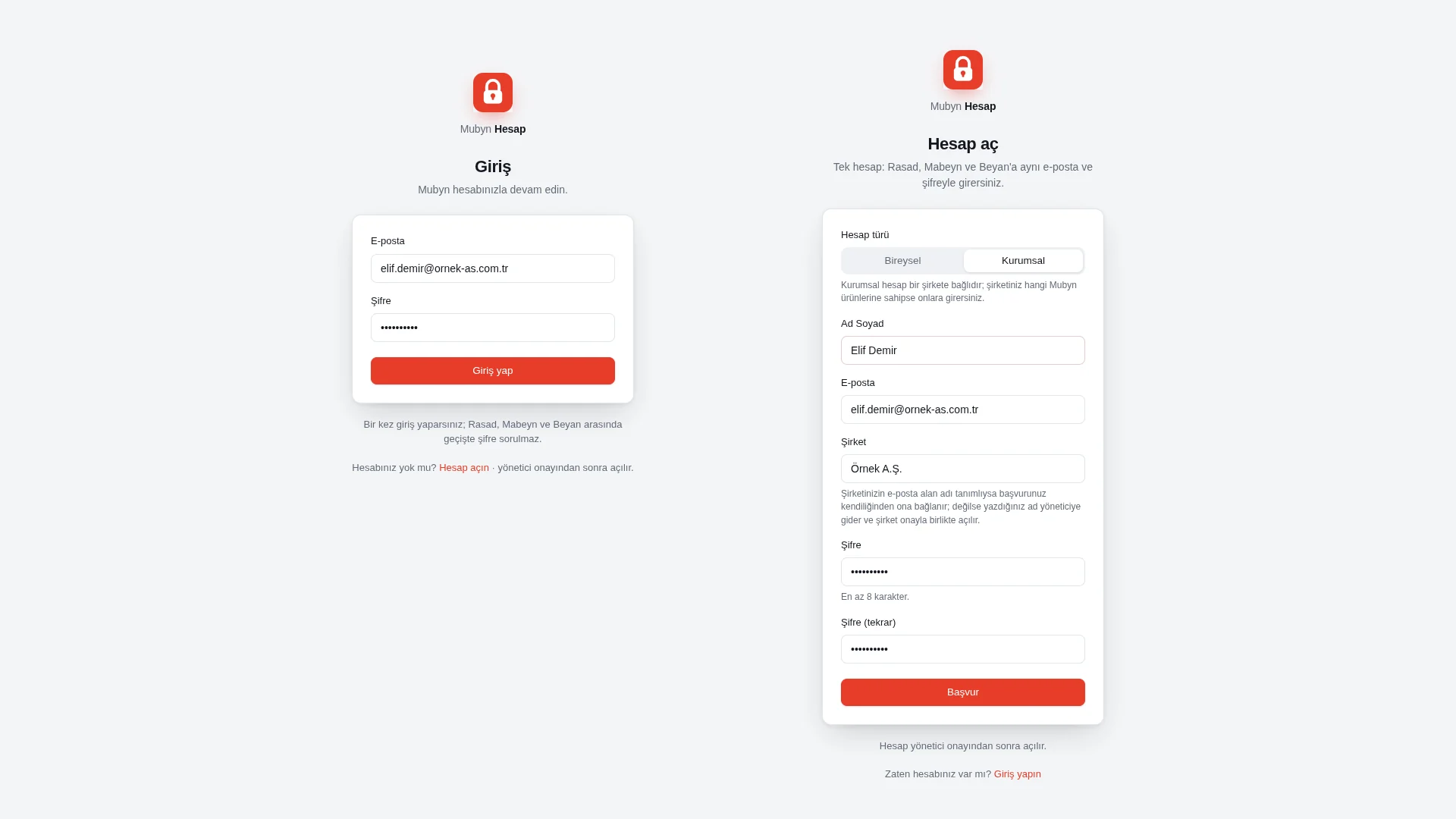
- Open an account. You apply for an individual or a corporate account. The account stays closed until an administrator approves it.
- An administrator approves. An unapproved account cannot sign in. A corporate account is linked to its company by email domain.
- Sign in once. The session lasts 30 days.
- Move between products. The app switcher (the nine-dot menu) shows only the products you can access; no password is asked when switching.
- Edit your profile once. Your photo and details carry over to every product.
Who does what
| Role | What they do in Hesap |
|---|---|
| User | Signs in to products with a single sign-in and edits the shared profile |
| Organization administrator | Manages organization members, in-organization roles and per-person product selection |
| Hesap administrator | Manages applications, users, organizations and audit logs |
| Developer | Connects their product with standard OpenID Connect and listens to signed events |
Single sign-in and a shared profile
Single sign-in
Sign in once; the session lasts 30 days. The app switcher, with its nine-dot menu, shows only the products you can access.
Shared profile
Photo, banner, title, unit, location, about me, time zone, working hours and links live in one profile. When it changes in one product, it changes in every product.
Organizations and product ownership
Individual and corporate accounts
An account can be individual or linked to an organization. With a corporate account, you sign in to whichever Mubyn products your company owns.
Per-organization product matrix
For each organization, every product can be none, active or suspended; the product runs in the Mubyn cloud or on the organization's own server. Product selection per person is also possible.
Roles and automatic matching
Within an organization there are administrator and member roles. If an email domain is defined for the organization, new accounts are matched to it automatically.
Access closes instantly
When someone is removed from an organization, their access closes instantly in every product.
| Product status | Meaning |
|---|---|
| None | The organization has no access to this product |
| Active | The organization's members can sign in to the product |
| Suspended | The product is suspended for the organization |
Administration and developers
Controlled sign-up
An account stays closed until an administrator approves it. Sign-up can be turned off entirely at installation.
Administration panel
Applications, users, organizations and audit logs are managed from one panel.
Standard OpenID Connect
Authorization Code with PKCE; examples are provided for Go, Next.js/Auth.js and FastAPI. You connect your own product.
Signed events
Changes to profiles, users and product access reach products instantly as signed webhooks.
Built to be safe
Passwords and keys
Passwords are stored with argon2id; the signing key is encrypted in the database with AES-GCM.
Sign-in attempt limit
At most 8 attempts are allowed in 15 minutes.
Closed to account enumeration
The same response is returned for an existing and a non-existing email; the organization list is not exposed.
Approval and auditing
An unapproved account cannot sign in. Actions are written to the audit log.
Hesap is a single Go binary plus Postgres; it can be installed on the organization's own server.
The Mubyn family
Hesap is the family's shared sign-in. Your profile photo is the same everywhere you sign in.
Common questions
How does single sign-in work?
You sign in once and the session lasts 30 days. You are not asked for a password when moving between Rasad, Mabeyn and Beyan. The app switcher shows only the products you can access.
What is a corporate account?
An account linked to a company. You sign in to whichever Mubyn products your company owns. If the email domain is defined, your application is linked to the company automatically.
Can I sign in as soon as I open an account?
No. The account stays closed until an administrator approves it.
What happens to someone removed from an organization?
Their access closes instantly in every product.
Can I install it on my own server?
Yes. Hesap is a single Go binary plus Postgres; it can be installed on the organization's server. Sign-up can be turned off entirely at installation.
How do I connect my own product to Hesap?
Hesap provides standard OpenID Connect (Authorization Code with PKCE). Examples exist for Go, Next.js/Auth.js and FastAPI. Changes to profiles, users and product access arrive as signed webhooks.
Is there protection against sign-in attempts?
Yes. At most 8 sign-in attempts are allowed in 15 minutes. Hesap is closed to account enumeration: an existing and a non-existing email get the same response.
Open your account
Sign in once, and move between Rasad, Mabeyn and Beyan with the same account.
Open an account