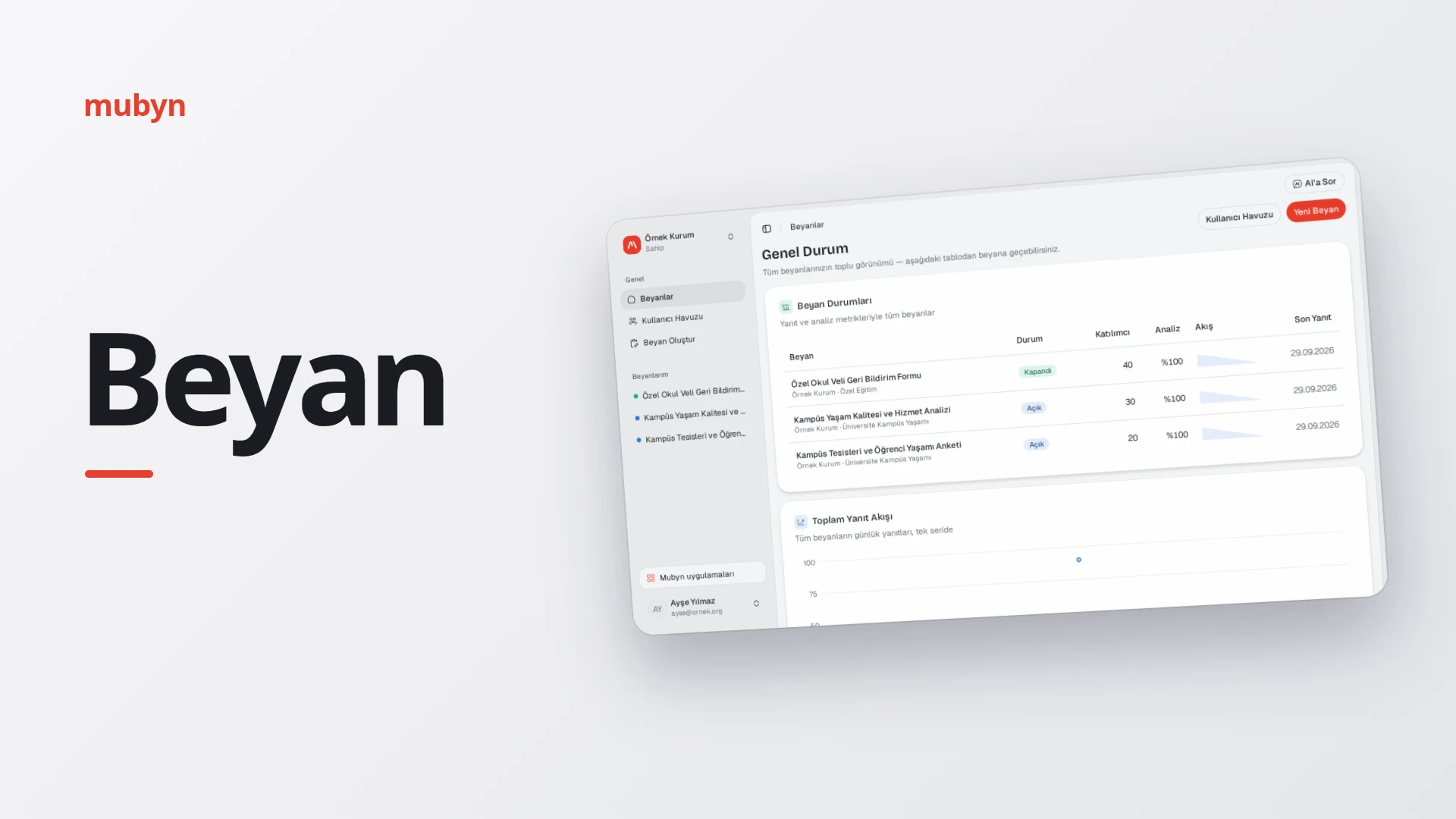
Let the people you serve answer what you did not ask. Everything said, plainly in the open.
Beyan lets you collect statements from the people you serve and analyze the answers with AI. You share it with a link or a QR code; open-ended answers are grouped into themes by meaning, and you see which topics were talked about and how much.
At a glance
Who it is for
Organizations and teams that gather opinions from large groups such as customers, employees, members or citizens. Each organization manages its own team, roles and its SMS, e-mail and AI connections.
What it solves
Which topics stood out, what different segments said, where people are satisfied and where they are critical. Results appear in the panel; the report opens as slides and can be printed from the browser or saved as a PDF.
How it works
- Set up the statement with a wizard. Details, participant settings and questions; questions can be open text, single choice, multiple choice, Likert or matrix.
- Preview and publish. The link and QR code are ready.
- Share or invite. A public link allows anonymous participation; in an identified statement, participants sign in with a verification code sent by SMS or e-mail.
- Answers are analyzed. AI analyzes each open-ended answer; similar ones are gathered into themes, and each piece of a theme gets a positive, neutral or negative sentiment.
- Read it in the panel. Answers are read along the axes of satisfaction, expectation, suggestion and criticism; compare segments and ask AI questions.
- Request the report. It opens as slides; print it from the browser to save a PDF.
Build a statement
Build with a wizard
Walk through details, participant settings, questions and preview, then publish; the link and QR code are ready. Open text, single choice, multiple choice, Likert and matrix questions are available.
Share by link and QR code
Every published statement comes with a link and a QR code. A public link allows anonymous participation; in an identified statement, participants sign in with a verification code sent by SMS or e-mail.
Participant pool and invitations
Keep people in your organization's participant pool, import them from a CSV file and invite them to a statement by SMS or e-mail.
Opening, closing and deadlines
A statement opens and closes only in terms of accepting answers. An end date or an answer quota closes it automatically; a closed statement can be edited and reopened whenever you like.
| Question type | How it is read |
|---|---|
| Open text | Split by meaning into themes, sentiments and axes |
| Single choice | Read as a distribution; can be a source for a breakdown |
| Multiple choice | Read as a distribution |
| Likert | Read as a distribution, like choice questions |
| Matrix | Read as a distribution, like choice questions |
Understand the answers
Answers become themes
AI clusters open-ended answers by meaning, so you see which topics were talked about and how much. Themes are updated as new answers arrive.
Sentiment and axis analysis
Each piece of a theme gets a positive, neutral or negative sentiment. Answers are also read along the axes of satisfaction, expectation, suggestion and criticism.
Read by segment
Compare segments by demographics such as age and gender, or by breakdowns you define yourself. Create a breakdown from any single-choice question, and mark ordered options such as education level as "ordinal" to see them in order.
Answer quality and flagging
Profanity, text that tries to give instructions to the AI, copy campaigns and answers suspected of being AI-written are flagged, so you can review them before they blur the analysis.
Suspicious answers are flagged, and you decide before they blur the analysis. Public links are protected by bot protection and rate limits.
Share and manage
Ask AI
Ask questions about your data in the chat next to the panel; AI reads your statements to answer. When it needs to change something, it asks you first with a confirmation card and does nothing without your approval.
Report and presentation
When you request a report, it is built from the answers analyzed up to that moment. It opens as slides; print it from the browser to save a PDF. Up to 5 reports per statement can be requested each day.
Team and roles
Owner, admin, analyst and viewer roles keep permissions apart. Admins invite members and manage integrations and statements; deleting the organization and transferring ownership stay with the owner.
When Ask AI needs to change something, it asks you first with a confirmation card.
Up to 5 reports per statement can be requested each day, and your organization needs an AI connection.
Common questions
Do participants have to give their identity?
It depends on the statement. A public link allows anonymous participation; in an identified statement, participants sign in with a verification code sent by SMS or e-mail and tick a consent box for the processing of their data.
Can I edit a statement after closing it?
Yes. A closed statement stops taking answers but can be edited and reopened whenever you like. An end date or an answer quota also closes it automatically.
Which question types are there?
Open text, single choice, multiple choice, Likert and matrix. Open-ended answers are split into themes, sentiments and axes; choice questions are read as distributions.
How do I get the report?
You request the report; it is built from the answers analyzed up to that moment. If new answers arrived after the last report, the themes are updated first. It opens as slides and you can print it from the browser to save a PDF. Up to 5 reports per statement can be requested each day, and your organization needs an AI connection.
What do I need to set up before using Beyan?
Your organization's owner or an admin enters the SMS, e-mail and AI connections under Integrations. If one is missing, an identified statement cannot be published, invitations and verification codes cannot be sent, and analysis waits until the connection is in place.
How are fake or repeated answers handled?
Profanity, copy campaigns, text that tries to give instructions to the AI and answers suspected of being AI-written are flagged. Public links are also protected by bot protection and rate limits.
How do I invite participants?
You can share the statement by link or QR code, or invite people from the participant pool by SMS or e-mail. You can also import people into the pool from a CSV file.
Get to know Beyan
Let's set up your first statement together.